MESIresults software

MESIresults software (4 cuff system)
The MESIresults application is designed to be used with the MESI ABPI MD measuring device (with 4 cuffs). With our provided USB cable, the MESI ABPI MD can be connected to your computer, which enables printed and electronic handouts. The application also allows importing patient data and information such as the name, address and logo of the institution. The latter can be saved in MESIresults and printed on every file leaving your healthcare facility.
LATEST UPDATE:
4.3.6.
NEW WITH THIS UPDATE:
1. Improved ABPI MD clock synchronisation
ABPI MD will now synchronise its date and time via MESIresults, helping ensure consistent timestamps across the device and software
2. Improved oscillation display and PWV calculation
Resolved issues affecting the display of oscillations and pulse wave velocity (PWV) calculations in MESIresults for a more reliable results review experience.
3. Improved Spanish translation
Updated the Spanish translation on ABPI MD to improve clarity and language consistency.
4. Enabled 6-digit 2FA on MESIresults
Strengthened two-factor authentication (2FA) in MESIresults with a 6-digit code for a more secure sign-in experience.
BEFORE YOU UPDATE
• Ensure your device is not in a white-screen state.
Devices showing a persistent white screen require repair or replacement. Please contact MESI Support for assistance.
• Transfer all measurement results from the device to your MESIresults account before updating, as the device's history can be affected during the update.
Important: Please uninstall the previous version of MESIresults before downloading and installing the latest update.
Download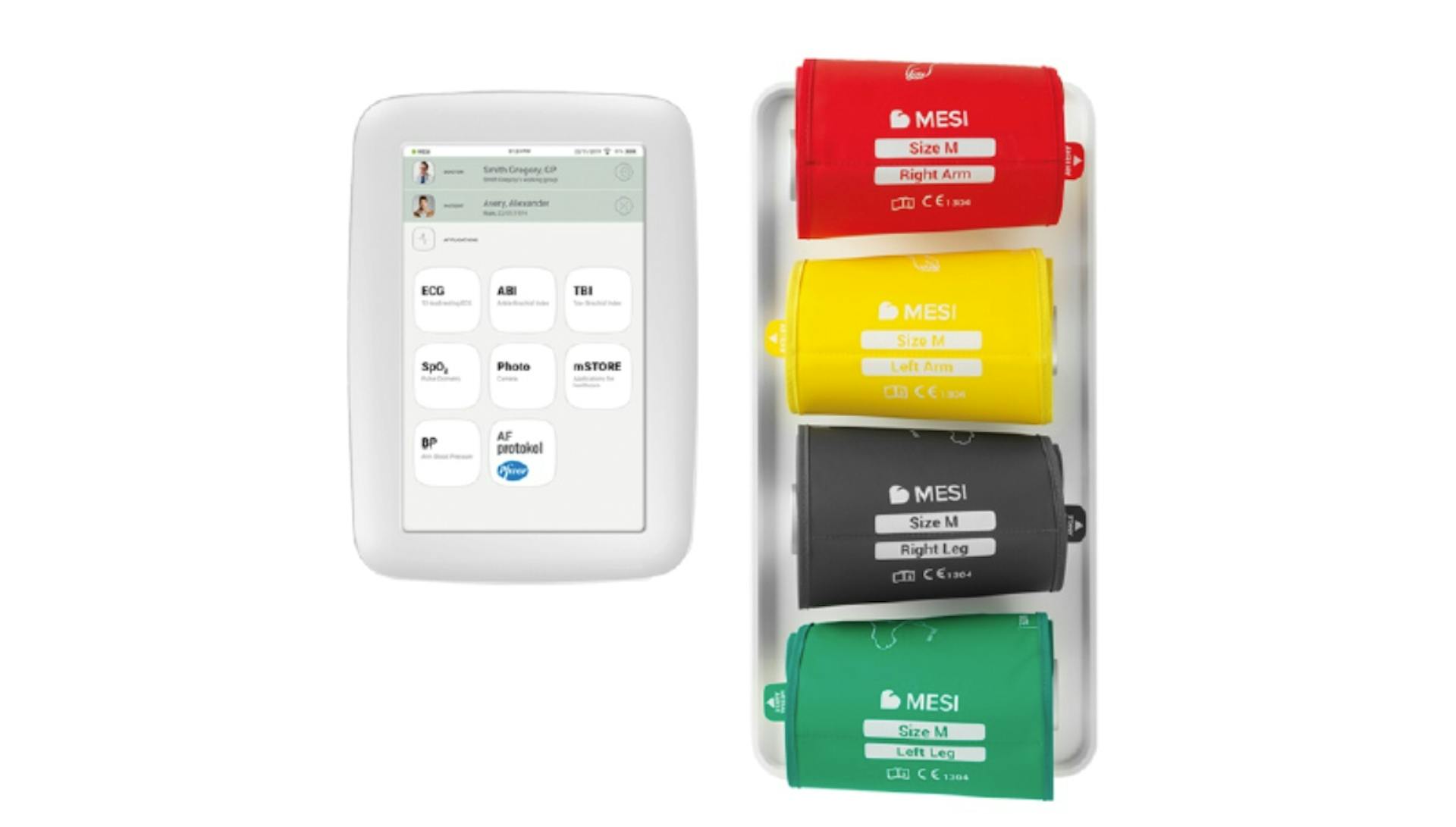
TRADE YOUR ABPI MD for an INTEGRATED DIAGNOSTICS system that does it all - faster and simpler.
Contact us to find out how much your old device is worth and discover the benefits of MESI’s smart diagnostics.